Flexible weeks
Use a reusable weekly template or plan against real calendar dates, with room for any-day ideas.
A Little Map Labs product
Keep recipes, weekly meal plans, household decisions, and the grocery list together without turning dinner into another project to manage.
Available as a hosted web app. No app-store download is required.
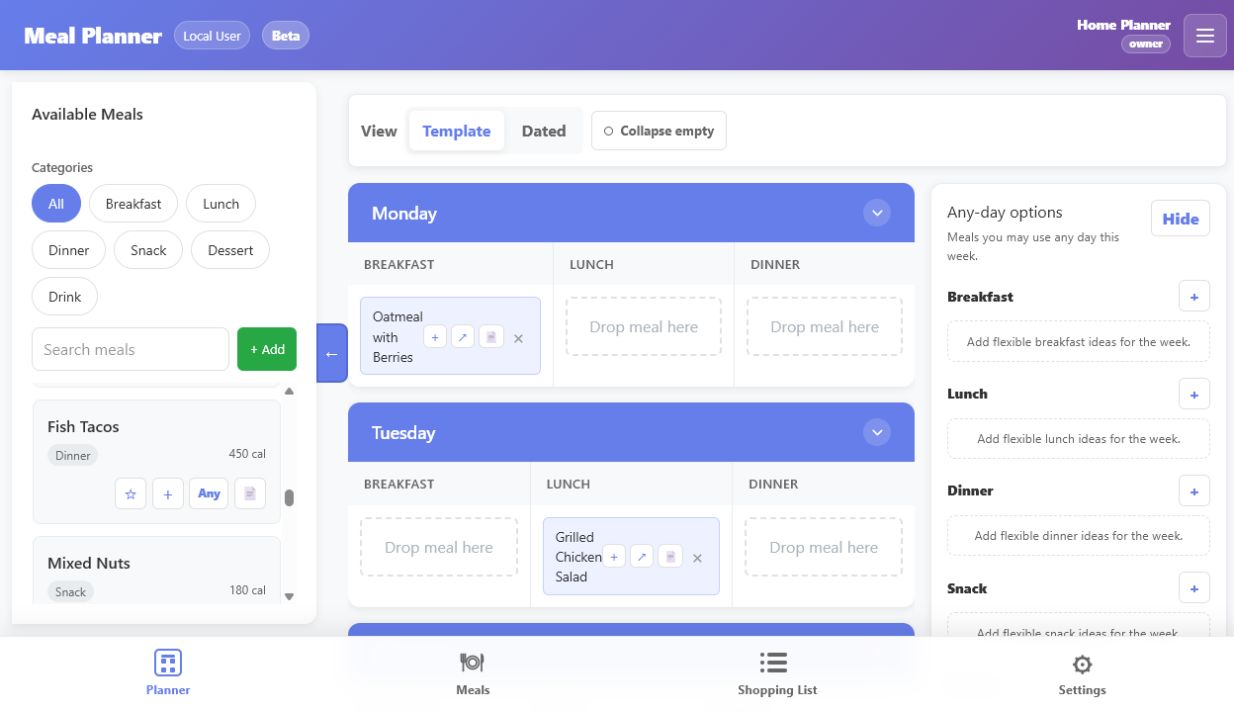
From idea to grocery aisle
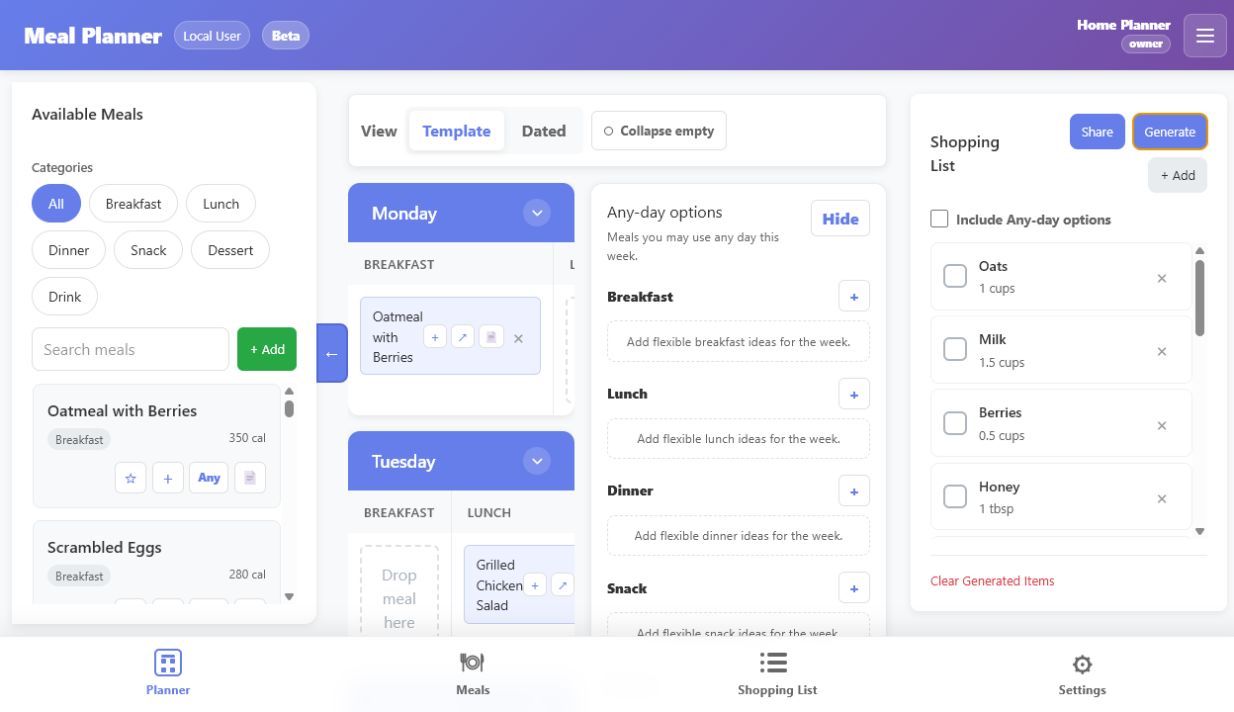
Build a reusable meal library, plan the week, then generate the list that gets dinner home.
Use a reusable weekly template or plan against real calendar dates, with room for any-day ideas.
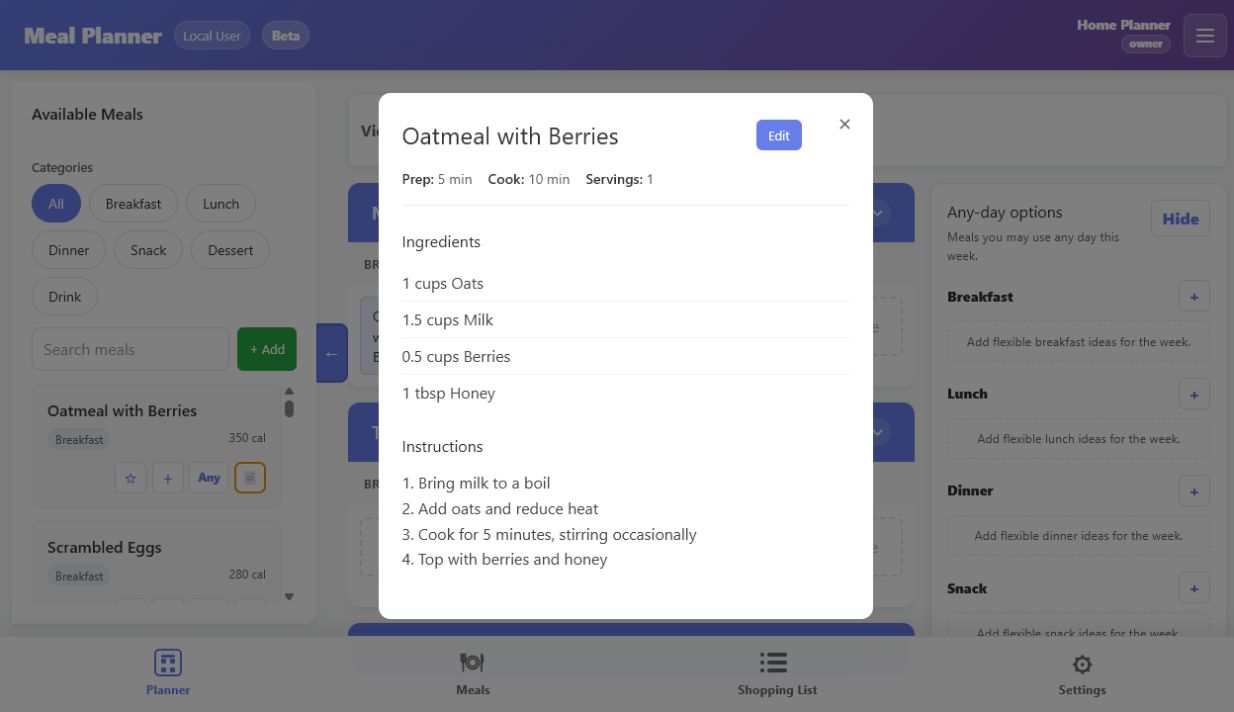
Keep ingredients, directions, servings, favorites, and recipe links alongside the meals you actually make.
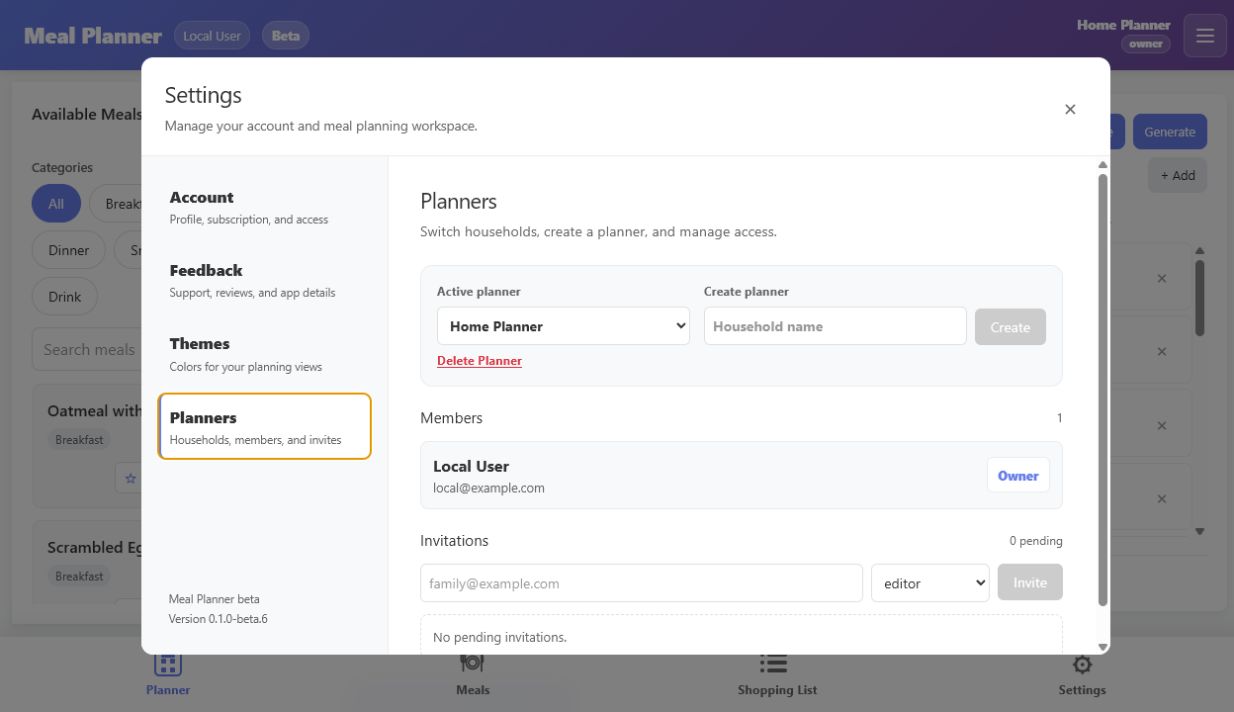
Invite family members with the right level of access, so everyone can see the plan and contribute appropriately.
Product tour
These screens use fictional demo data and show the current beta interface.
How access works
The marketing site never handles payment details. Account and subscription actions stay inside Meal Planner.
Visit the secure hosted app from any modern browser on your phone, tablet, or computer.
Sign in with your email and password or Google. An email sign-in link remains available as a fallback.
When paid plans are enabled, available subscription options and billing controls will appear in Settings.
By using Meal Planner, you agree to its Terms of Service. Read the Privacy Policy to learn how account and planner information is handled.
Ready when you are
Try Meal Planner, then tell Little Map Labs what would make it more useful for your household.